Last updated: 2026-03-31
Support
Start with the User Manual for screenshots and walkthroughs. Still need help? Browse below or email us.
Reminders & Shifts
Notifications, scheduling, recurring, snooze
▾
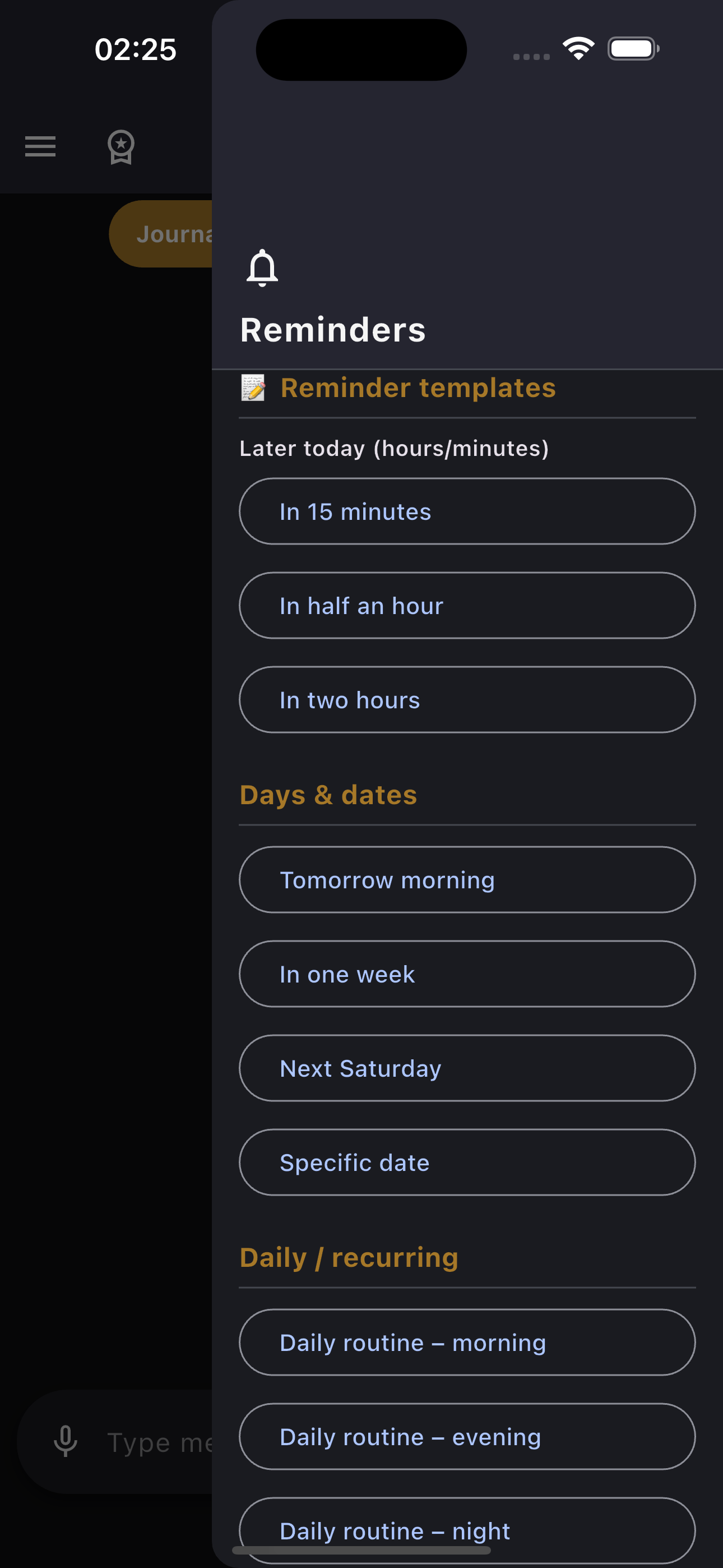
Reminder templates drawer
🔔 Reminders not firing?
- Check that notifications are enabled: Settings → AIAMI → Notifications → ON
- Disable Focus / Do Not Disturb, or add AIAMI to your allowed list
- One-time reminders set for a past time are silently skipped
- Daily repeating reminders auto-adjust to the next day if the time has passed
📅 Shift scheduling
- Open Shifts from the side drawer to access the monthly calendar
- Tap a day to set shift type: Morning (M) / Afternoon (A) / Night (N) / Off (O)
- Enable shift alerts in settings — get notified 5/10/15/30 minutes before each shift
- Attach a PDF or image as your schedule reference
⏰ Snooze / Postpone
- Say "postpone by 30 minutes" or "snooze 1 hour" in chat
- The last reminder is rescheduled — old notification cancelled, new one created
Supported types: Relative time (in 2 hours), specific time (tomorrow at 9pm), specific date (Apr 5 at 8pm), weekly (next Saturday), daily recurring.
Financial Tracking
Spending, income, undo, bill scanner, trends
▾
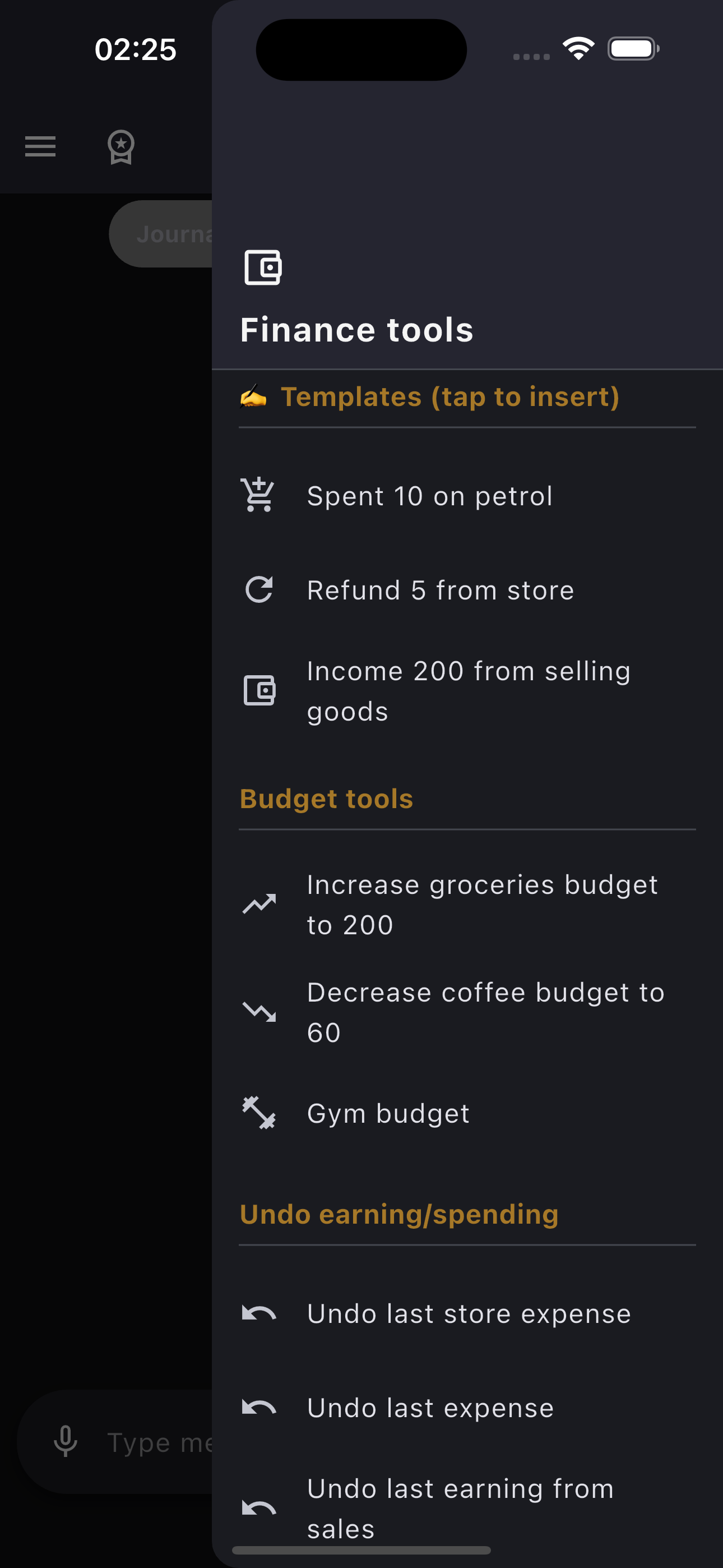
Financial tools drawer
✍️ Logging transactions
- Type naturally: "spent 10 on petrol" or "income 200 from freelance"
- AIAMI captures the amount, category, and date automatically
- Works in both Arabic and English
↩️ Undo
- "Undo last expense" — removes the most recent spending entry
- "Undo last earning" — removes the most recent income entry
- "Undo the 10 petrol" — removes a specific transaction by amount and category
📷 Bill scanner
- Tap the camera icon in the Financial tab
- Take a photo of your receipt or select from gallery
- AIAMI extracts the total and store name automatically
📊 Summaries & trends
- "Financial summary" — shows monthly overview with top categories
- "Spending trend analysis" — multi-month comparison
- "Compare spending to obligations" — budget vs actual
- "How much left for groceries" — remaining budget per category
Reset: "Reset this month's spending" clears expenses only. Income, assets, and debts are preserved.
Voice Mode
Speech input, AI voice, language switching
▾
☁️ Getting started
- Tap the cloud icon in chat to enter voice mode
- Grant Microphone + Speech Recognition permissions when prompted
- Speak naturally — AIAMI responds with a human-quality voice
🚨 Common issues
- Mic denied: Go to Settings → AIAMI → Microphone → ON
- Speech recognition blocked: Settings → Privacy → Speech Recognition → AIAMI
- Voice disabled: Turn on OpenAI TTS in app Settings → Voice settings
- Quota reached: Voice minutes reset monthly with your billing cycle
- Audio won't play: Check volume and output device (speaker/headphones)
🌐 Language switching
- Tap the language button in the voice overlay to toggle Arabic ↔ English
- Change the AI voice: Settings → Voice settings → Select voice (13 options)
Mic indicators: Orange glow = warming up. Gold pulse = listening. Blue glow = AI speaking.
Data & Export
Backup, restore, delete, storage
▾
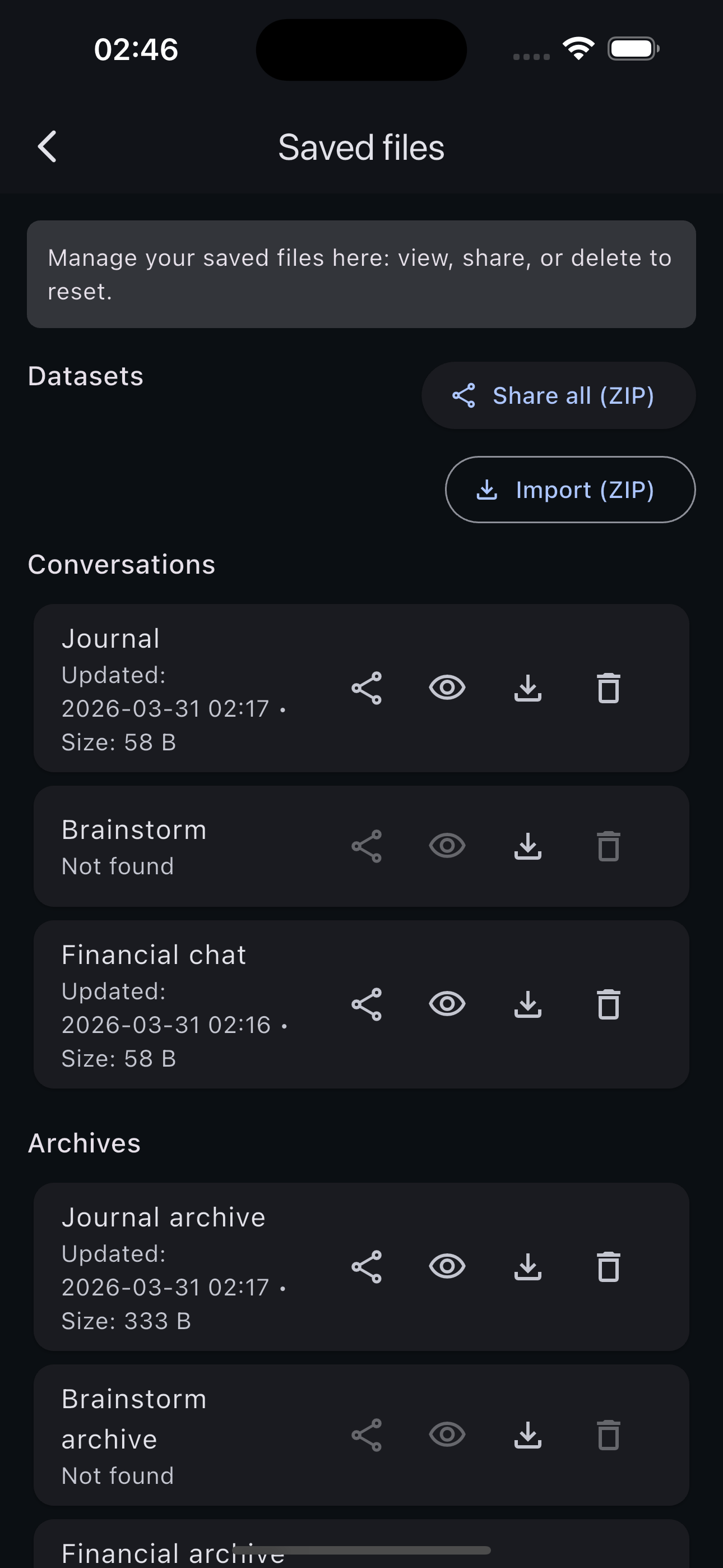
Saved files screen
📤 Export
- Settings → Saved files → "Share all (ZIP)" — exports everything as one file
- Individual files can be shared separately (Journal, Brainstorm, Financial, etc.)
📥 Import
- Settings → Saved files → "Import (ZIP)" — pick your backup file to restore
🗑️ Delete
- Each file can be deleted individually from the Saved files screen
- Deleting a file permanently removes it and creates a fresh empty one
"Clear screen" vs "Delete": Clear screen (drawer button) moves messages to archive — data is preserved. Delete (Saved files) permanently removes the file.
Plans & Subscriptions
Upgrade, cancel, billing, restore
▾
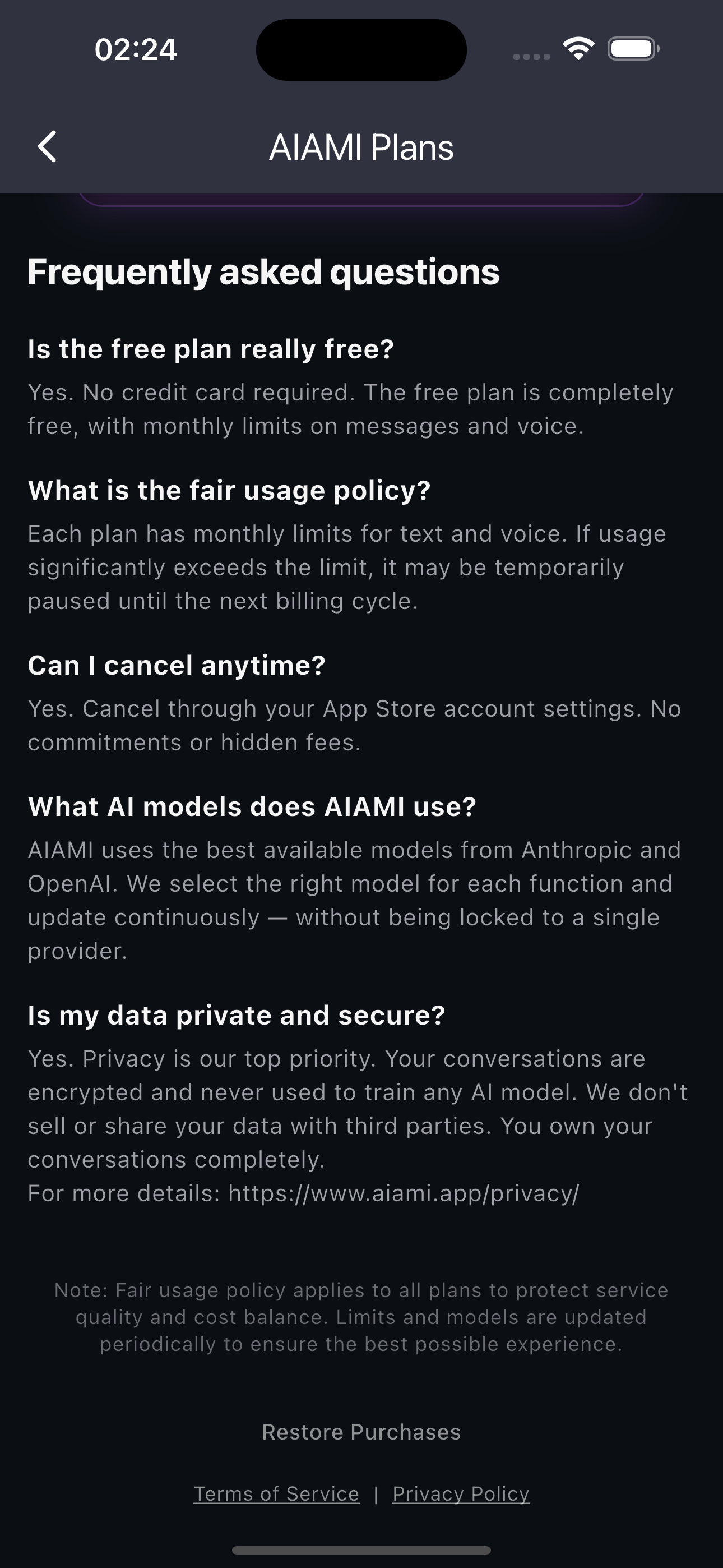
Plans screen in the app
💳 Plans
- AIAMI Free — full financial tracking, receipt scanning, reminders, chat, and a short taste of voice — $0
- AIAMI Pro — everything in Free, plus 120 minutes of voice a month, a smarter model, web search, and much higher usage — $9.99/mo
⬆️ Upgrade / Downgrade
- Upgrade: Side drawer → AIAMI Plans → tap the plan you want
- Downgrade: App Store → Settings → Subscriptions → AIAMI → change plan
- All your data is preserved when changing plans
❌ Cancel
- App Store → Settings → Subscriptions → AIAMI → Cancel
- Access continues until the end of your current billing period
🔄 Restore purchases
- Plans screen → "Restore Purchases" button at the bottom
Voice quota resets monthly on your billing date. No rollover between months.
Permissions
Notifications, microphone, camera, photos
▾
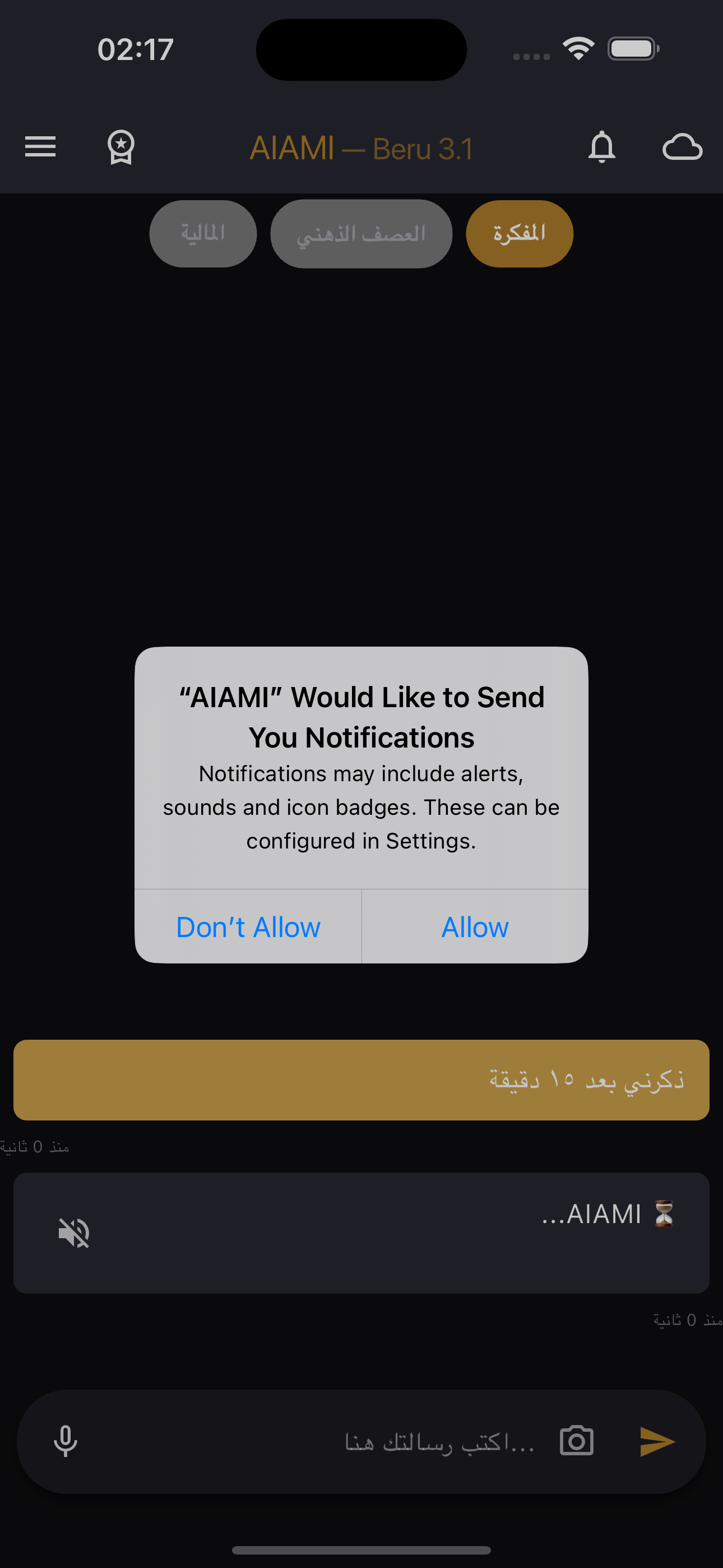
iOS notification permission
📱 Required permissions
- Notifications: Requested when you create your first reminder. Settings → AIAMI → Notifications
- Microphone: Requested on first voice session. Settings → AIAMI → Microphone
- Speech Recognition: Requested on first voice session. Settings → Privacy → Speech Recognition
- Camera: Requested when you tap camera in chat. Settings → AIAMI → Camera
- Photo Library: Requested when you select from gallery. Settings → AIAMI → Photos
Permission denied? AIAMI shows an "Open Settings" button that takes you directly to the right place in iOS Settings.
Settings
Names, voice, archive, language, data
▾
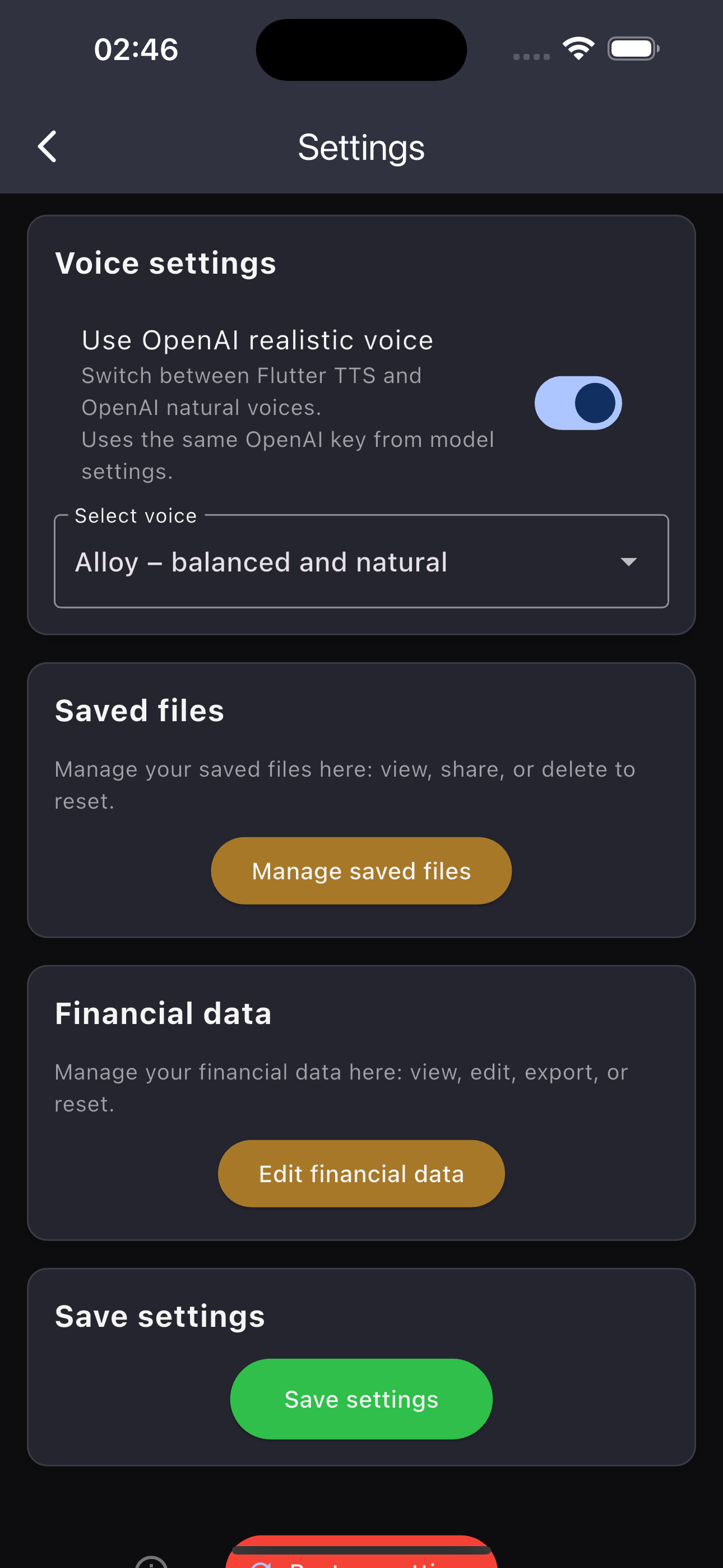
Settings screen
👤 Identity
- Change your name and the AI's name
- Change the display tags shown above chat bubbles
🎙️ Voice
- Toggle OpenAI realistic voice on/off
- Select from 13 voice options (Alloy, Echo, Nova, Shimmer, and more)
📦 Archive
- Set messages before auto-archive (default: 150)
- Choose custom file save location
🌐 Language
- Switch between Arabic and English from within the app
- Restart the app after changing for best results
🔄 Reset
- "Restore defaults" at the bottom resets all settings to factory
About & App Info
Version, User ID, privacy, links
▾
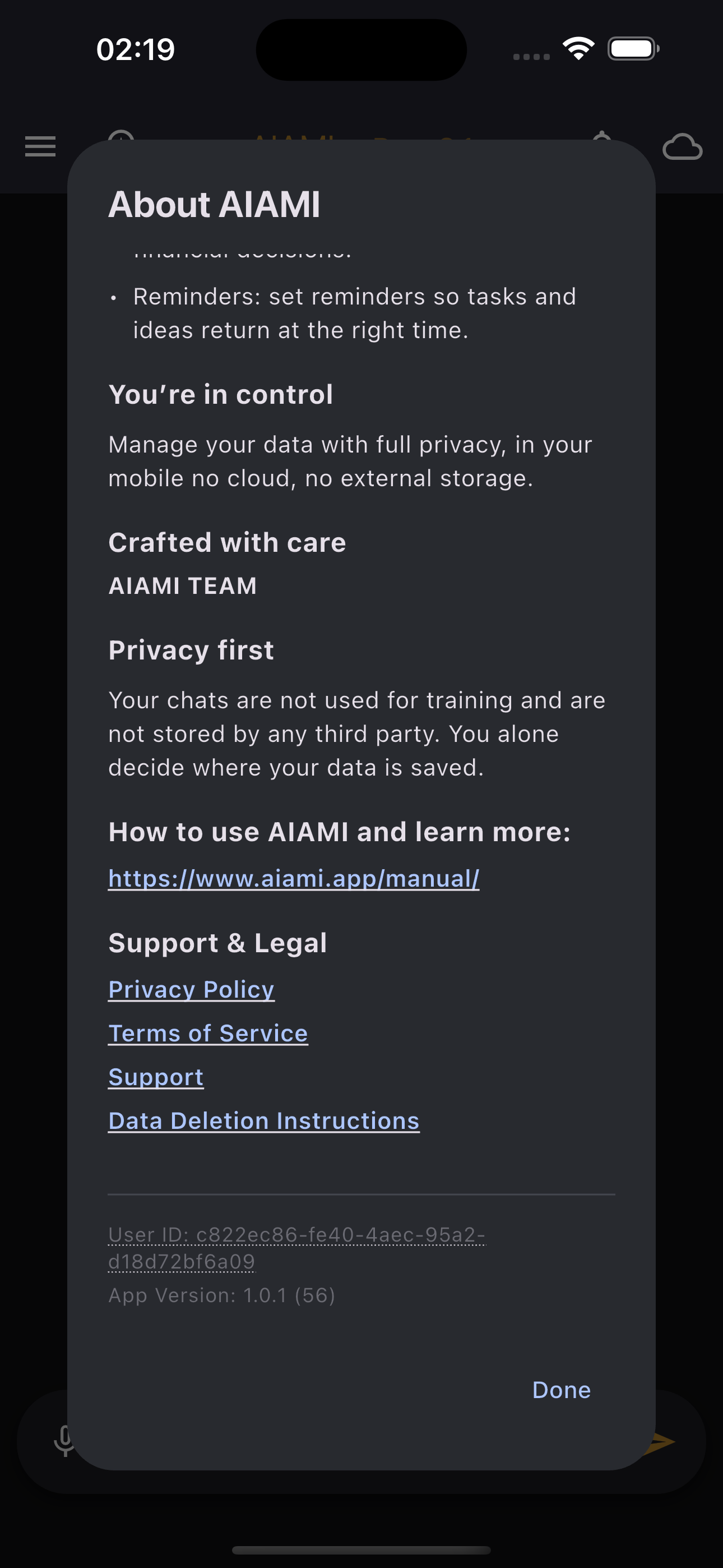
About screen
- Access: Side drawer → "About app"
- Shows app version, build number, and your unique User ID
- Links to: Manual, Privacy Policy, Terms, Support, Data Deletion
- Privacy statement: "Your chats are not used for training"
When contacting support, include your app version and User ID (both shown on the About screen). Tap the User ID to copy it.
Known Limitations
Offline, quotas, platform notes
▾
- Offline: AI chat, voice, and TTS require internet. Reminders fire offline.
- Repeat reminders: Daily only — no weekly/monthly yet
- Voice quota: Monthly, resets on billing date, no rollover
- No cloud sync: All data on-device only. Use ZIP export for backup.
- Image size: Photos compressed to ~1.2MB before upload
- Past reminders: One-time reminders set for a past time are silently skipped
Still need help? Contact us
Please include your device model, OS version, and app version.
Please include your device model, OS version, and app version.